Plans
Every plan
Included in Core, Pro and Enterprise.

Try Core or Pro free for 14 days. A card is required, and nothing is charged until the trial ends. View plans
Attendance Tracking
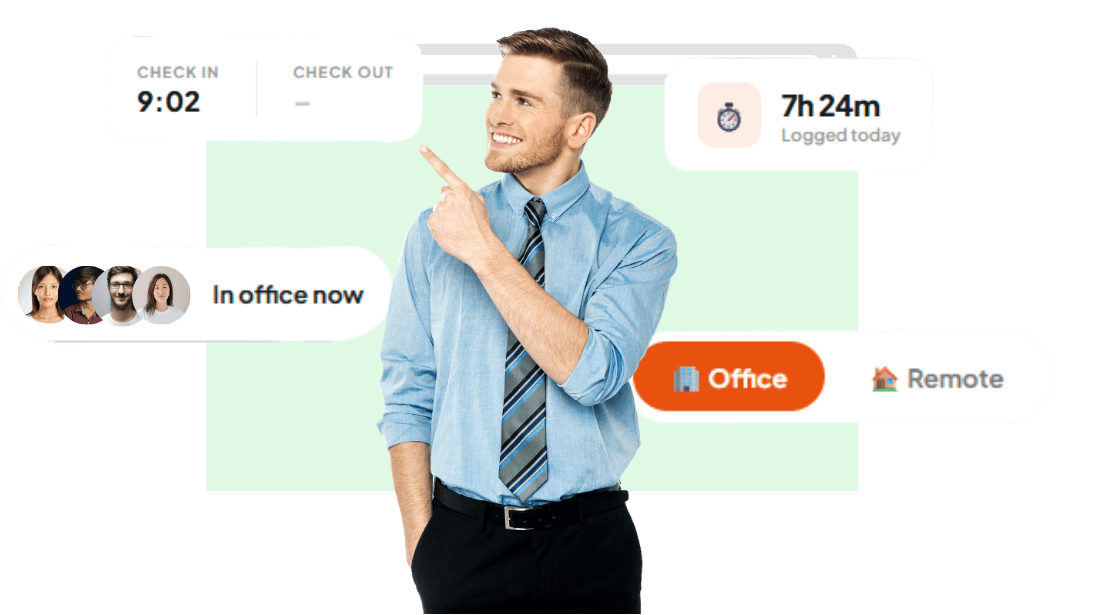
Employees check in and out from the browser on any device. A nightly job marks absences, and an overview shows who is online today.
Plans
Included in Core, Pro and Enterprise.
Getting started
Set up your shifts, Employees check in with one tap, Absent-marking runs each night.
Support
Answers to common questions are in the Help Center, and the team replies to every enquiry.
Employees check in and out from the browser on any device: phone, tablet or desktop. No hardware and no proximity readers.
Each day, a job goes through the previous weekday. It records employees with no check-in as Absent, or as On Leave if they have approved leave. Included from the Core plan.
Employees choose office or remote when they check in. Checking in again after checking out starts a new session the same day.
The overview lists who is online and who has not checked in, with check-in times and hours worked. The analytics page flags anyone with no check-in or check-out for two days or more.
Define shifts with a start time, an end time and a pay multiplier, and assign them to employees.
Overtime is the time worked beyond a person's normal day (their shift, or 8 hours full-time) and every hour on a rest day or a public holiday. Payroll pays each kind at the multipliers you set (1.5x, 2x and 3x to start), times the shift multiplier, and pays hourly and daily staff for the time they worked.
Export the attendance register for any date range. It has one row per employee per day, with work mode, status, check-in and check-out times, hours and overtime. You can import attendance from a CSV, and admins can add or correct any day by hand, with the reason kept in the audit log.
Each check-in and check-out is stored with its time, work mode and session, so there is a record to go back to when a payroll question comes up.
Try Core or Pro free for 14 days. A card is required, and nothing is charged until the trial ends.
$7
per user / month
Attendance Tracking included
$10
per user / month
Attendance Tracking included
Custom
annual agreement
Attendance Tracking included
Core and Pro start with a 14-day free trial: a card is required, and nothing is charged until the trial ends. Compare every plan
Employees check in and out from the browser on any device: phone, tablet or desktop. No hardware and no proximity readers.
Each day, a job goes through the previous weekday. It records employees with no check-in as Absent, or as On Leave if they have approved leave. Included from the Core plan.
Employees choose office or remote when they check in. Checking in again after checking out starts a new session the same day.
Overtime is the time worked beyond a person's normal day (their shift, or 8 hours full-time) and every hour on a rest day or a public holiday. Payroll pays each kind at the multipliers you set (1.5x, 2x and 3x to start), times the shift multiplier, and pays hourly and daily staff for the time they worked.
Export the attendance register for any date range. It has one row per employee per day, with work mode, status, check-in and check-out times, hours and overtime. You can import attendance from a CSV, and admins can add or correct any day by hand, with the reason kept in the audit log.
Every plan: Core, Pro and Enterprise.
In three steps: Set up your shifts; Employees check in with one tap; Absent-marking runs each night.